Nexus Chat
Nexus chat is built into the Dappmanager UI. It lets you ask questions about your Dappnode and use live Dappnode context, such as installed packages, logs, diagnostics, updates, disk usage, ports, notifications, and Dappnode docs.
Nexus chat is available in Dappmanager v0.2.125 and newer.
Requirements
- Dappmanager
v0.2.125or newer. - Admin access to the Dappmanager UI.
- A private connection to your Dappnode, such as WireGuard VPN or Tailscale.
- A Nexus API key from nexus.dappnode.com.
Open Nexus chat
- Open Dappmanager.
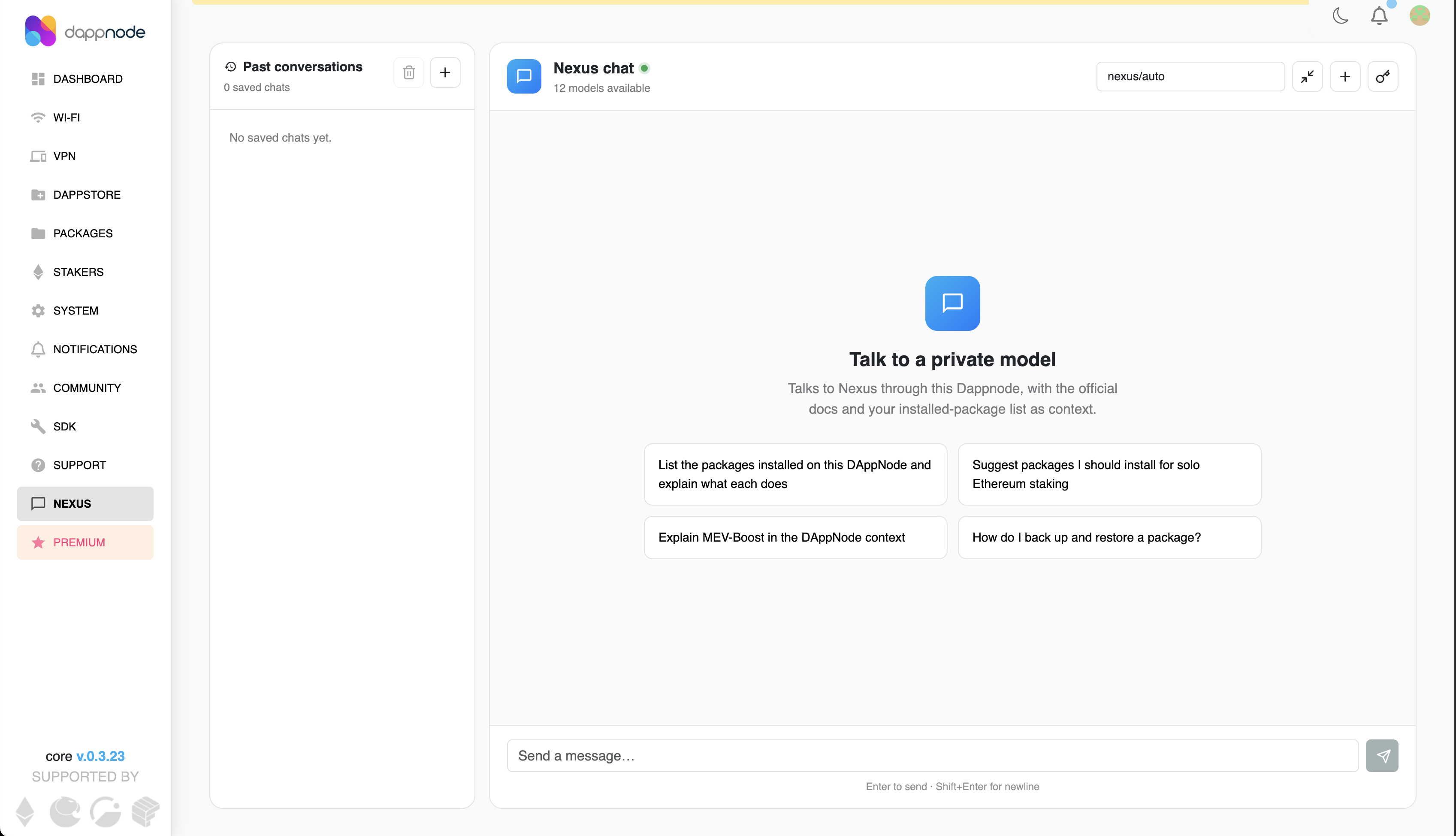
- Select Nexus from the sidebar.
- On first use, paste your Nexus API key.
The Nexus API key is stored on your Dappnode and used by the Dappmanager backend to talk to Nexus.
After setup, Nexus opens to an empty conversation with suggested prompts:
What you can ask
You can use Nexus chat to:
- Ask questions about your Dappnode using installed-package context.
- Search and summarize Dappnode docs from the chat.
- Inspect package status, logs, system information, notifications, updates, disk usage, and ports.
- Start workflows that need confirmation, such as package changes.
When a chat action can change package state, Dappmanager asks for confirmation before the action runs.
Nexus API key vs MCP API key
The Nexus API key is only for the built-in chat in Dappmanager.
Developers and power users who want to connect external MCP-capable coding agents to Dappmanager need a separate DAppNode MCP API key. For that workflow, see Agent-assisted package development.